HDCleaner icon

HDCleaner

  2.096
  • 1
  • 2
  • 3
  • 4
  • 5
  • 6
  • 7
  • 8
  • 9
  • 10
3.2
/ 30 ratings

A great option to clean up your computer and speed it up rapidly

Kurt Zimmermann |
updated on October 12, 2026
Download for Windows
For heavy users who rely on their laptops and PCs for hours daily, HDCleaner is a must-use application, providing all the necessary maintenance options you might not have time to perform yourself.

Features overview

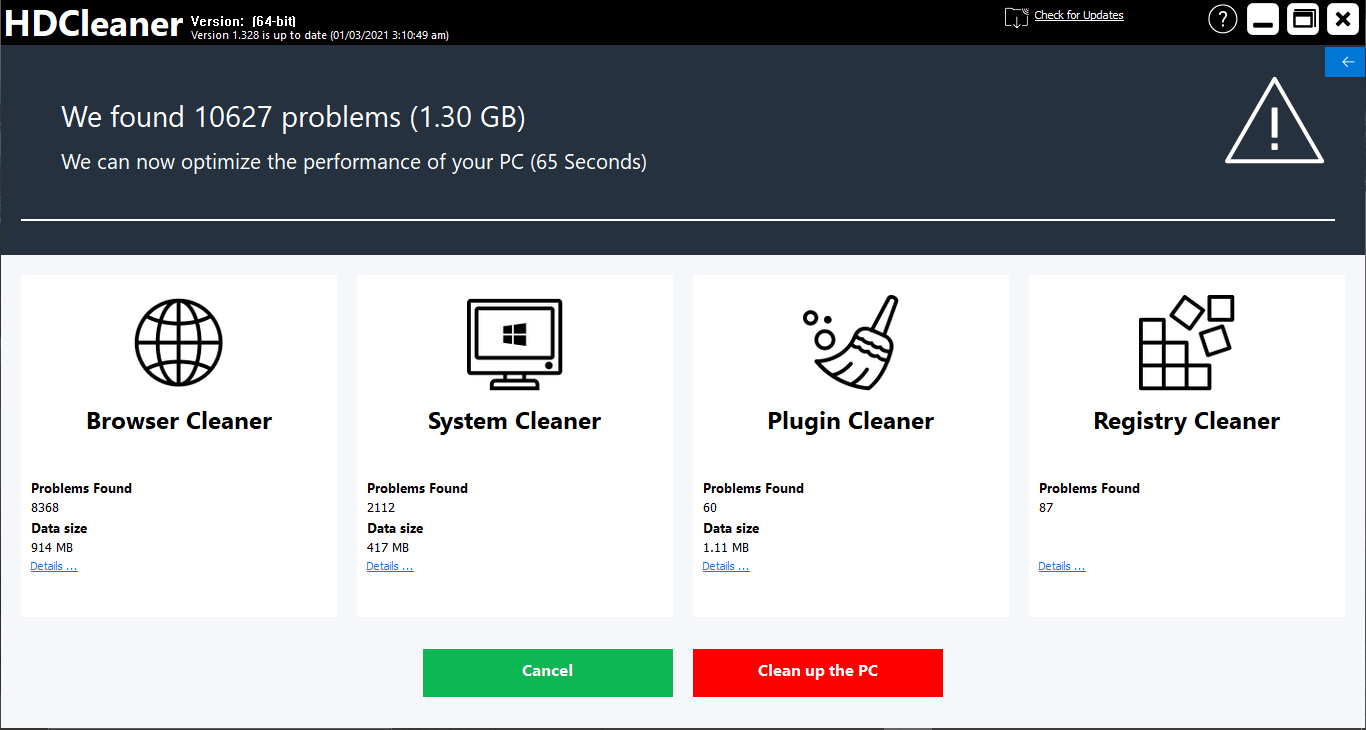
As the name suggests, the application cleans up all the junk files that are no longer needed. Beyond that, HDCleaner brings along tons of features to help you clean and maintain your computer. From cleaning, shredding, and system maintenance to drive analysis and data recovery, HDCleaner is an all-in-one suite for your daily needs.

Cleaning modes

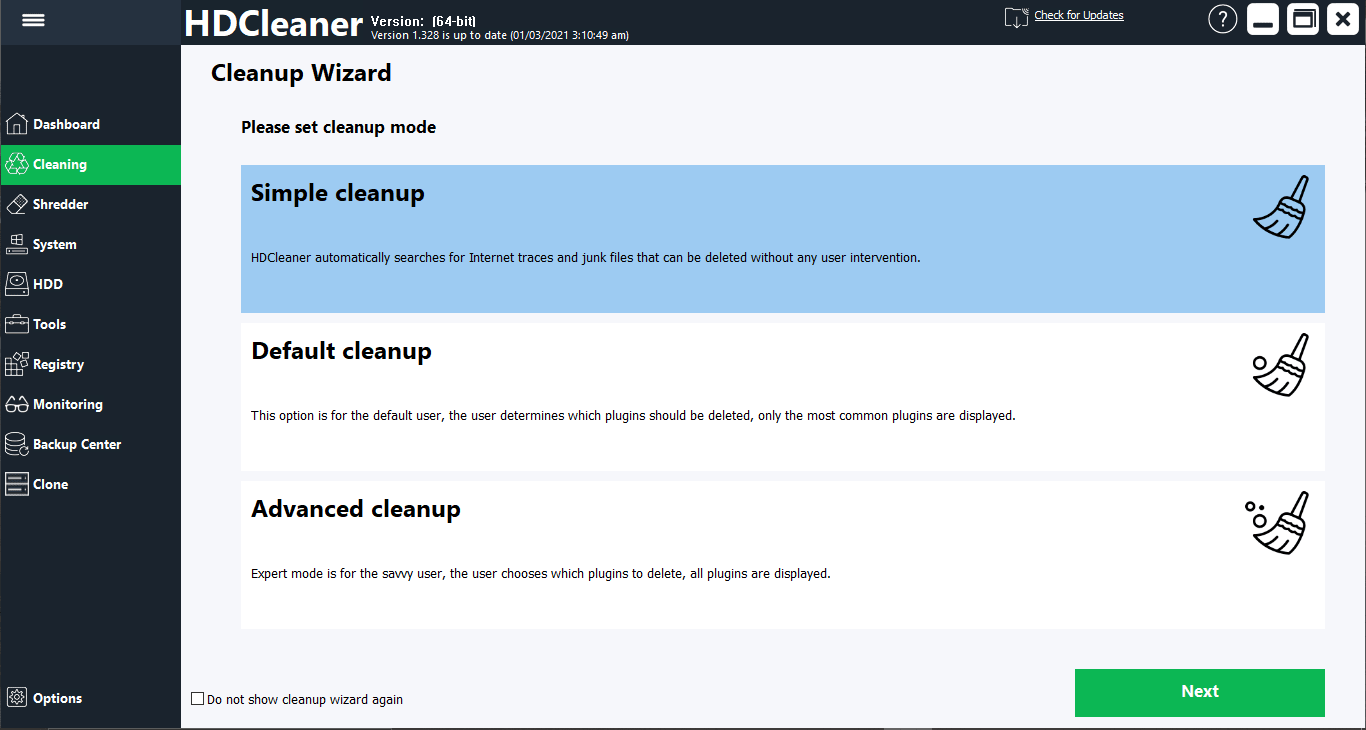
One of the most popular features of HDCleaner is its cleaning module. It has three different types of cleaning options you can use. There's a simple cleanup that automatically does the job for you. Then there's the default cleanup, which lets you choose what to keep or delete, and finally the advanced cleanup, which lets expert users select specific items to remove.

Shredding and security

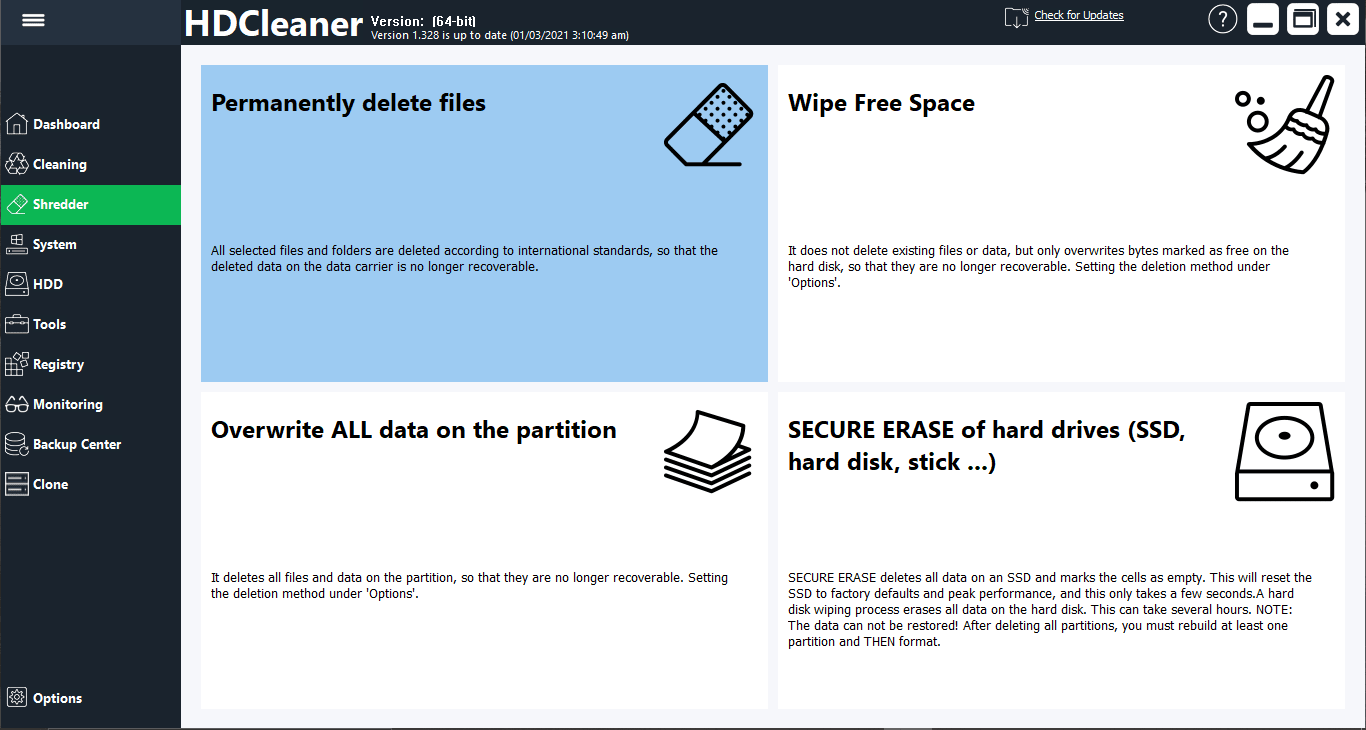
Besides cleaning, HDCleaner excels in shredding. This includes essential features such as permanently deleting files, wiping free space, overwriting all data on a certain partition to prevent it from being recovered, and the secure erasure of entire drives. The overwriting feature is particularly helpful if you are going to dispose of a hard disk, since it eliminates the possibility of data recovery.

Additional tools

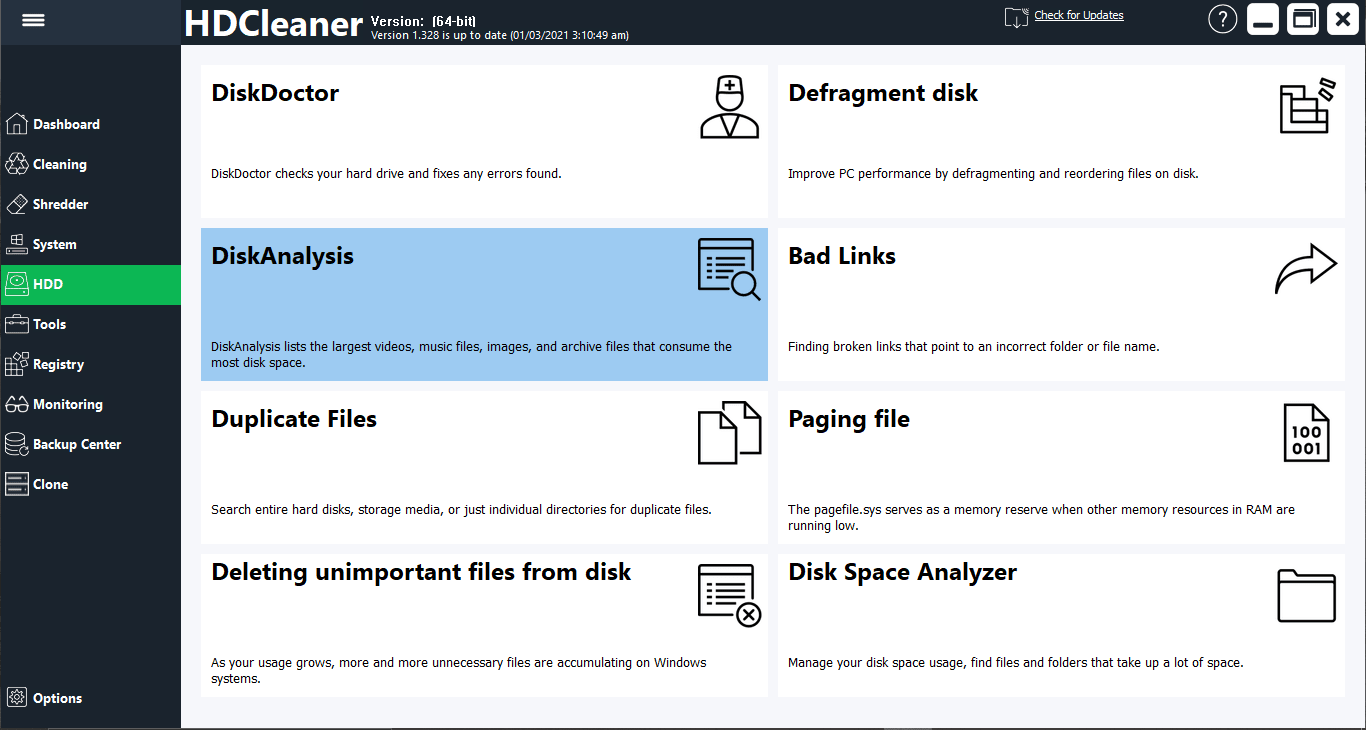
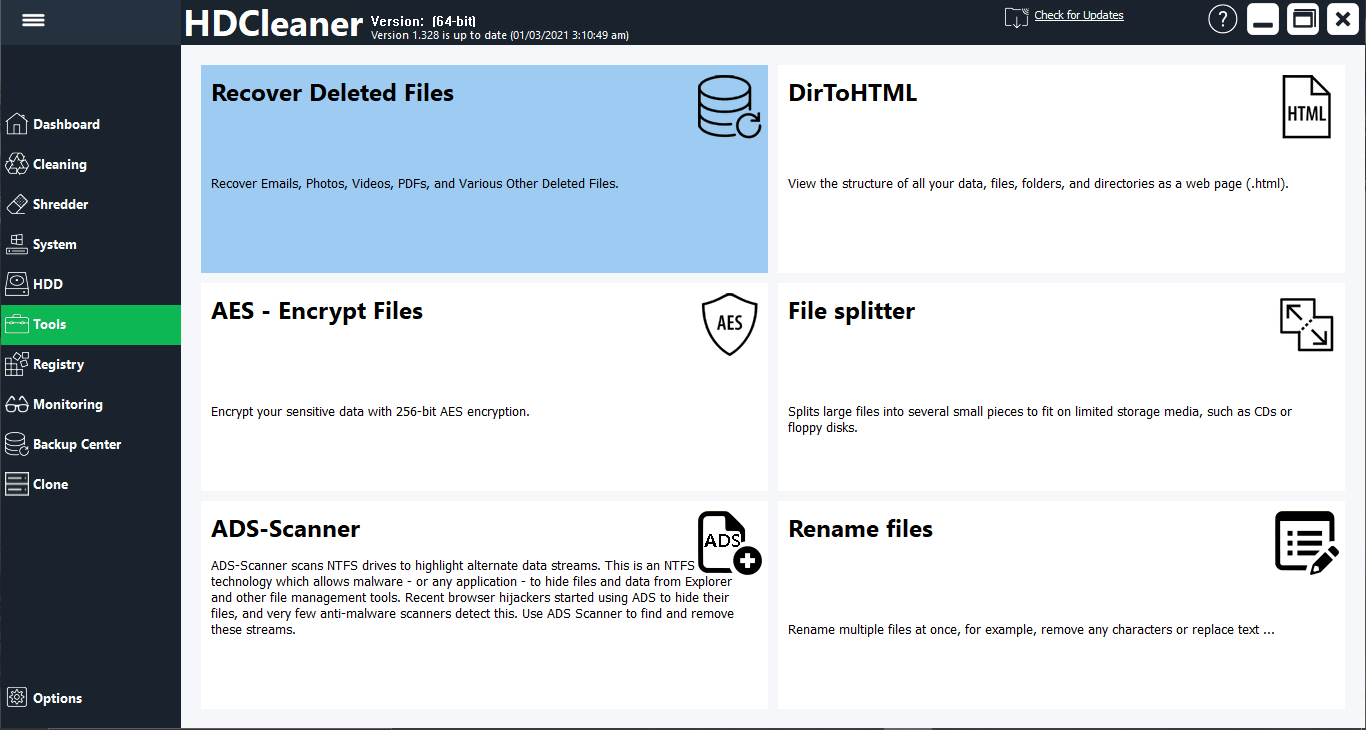
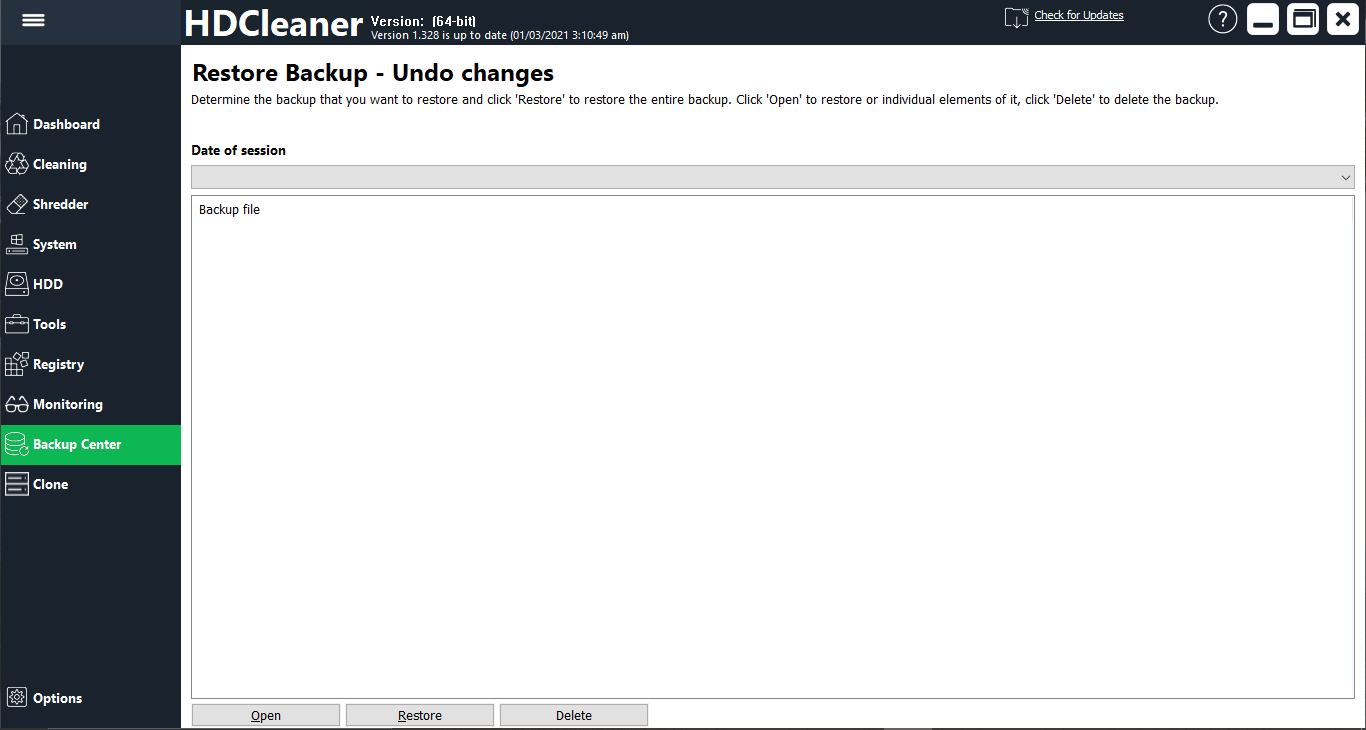
All the other features you would expect in a good cleaning utility are present here, such as a program uninstaller, software optimization, system recovery, system information, disk tools, and advanced settings.

A solid all-around system maintainer

HDCleaner is a fantastic tool for almost any Windows user. The only negative point is that it can sometimes be slow to load and lag when changing between tabs. Besides that, it works perfectly and speeds up your computer by freeing system resources and disk space.
Hamza Sadiq
Hamza Sadiq
App tester and reviewer
★★★★★
★★★★★
Editor's pick

Pros

  • Lightweight application. It will run on any machine
  • Filled with features including cleaning, shredding, system maintenance, etc.
  • Completely free
  • Free data recovery
  • The cleaning features work efficiently
  • Brilliant drive tools that scan and fix your hard drive or SSD

Cons

  • Available only on Windows
  • Sometimes very slow to load even though it is very lightweight
  • Lags when changing between tabs
LicenseFree
Previous versions
Operating systemWindows
Supported languagesArabic, Chinese Simplified, Chinese Traditional, Czech, Dutch, English, French, German,
view more...
Greek, Hindi, Hungarian, Indonesian, Italian, Japanese, Korean, Polish, Portuguese PT, Romanian, Russian, Slovak, Spanish, Turkish
DownloadsTotal: 1708
Last week: 14
Download for Windows